
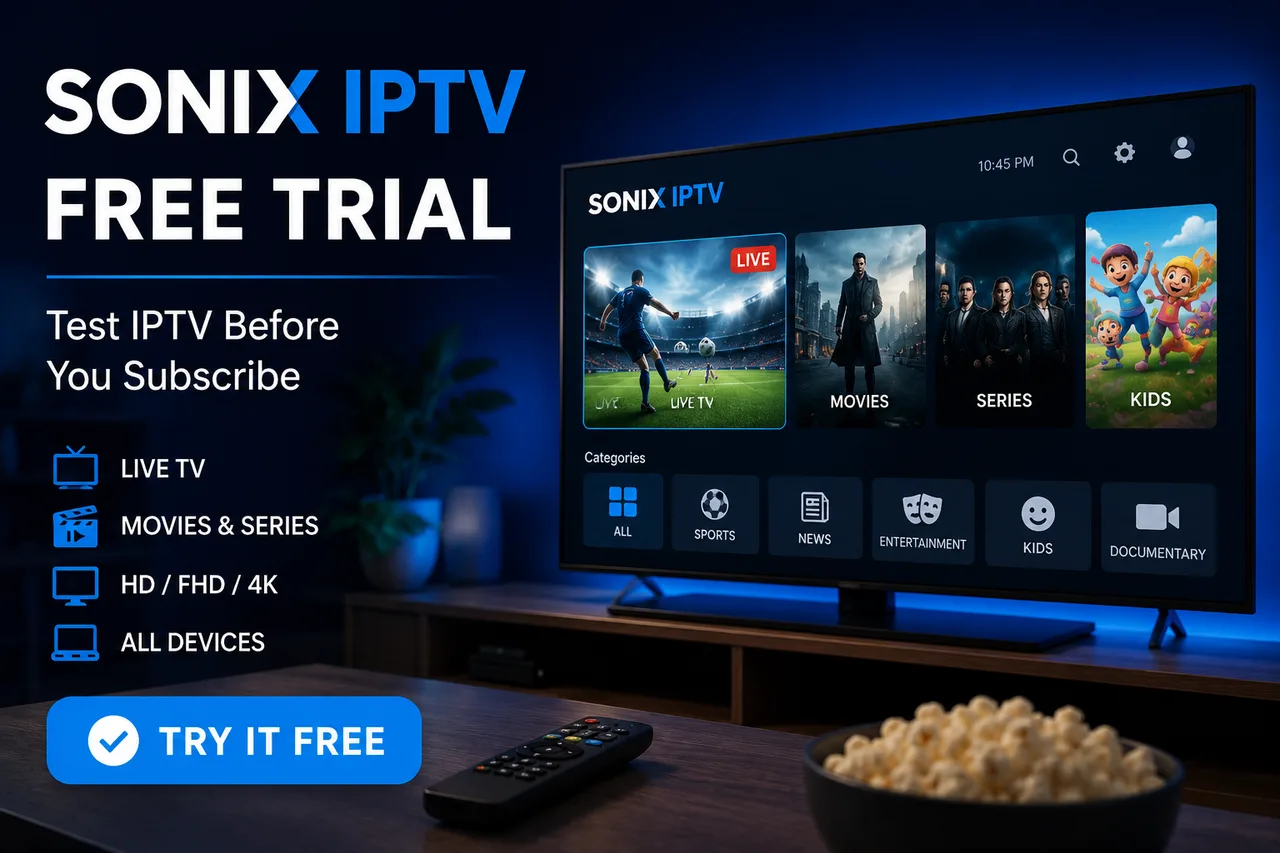
Looking for a Sonix IPTV free trial before choosing a subscription? A trial gives you the opportunity to test the service on your own device and internet connection before committing to a longer plan. You can check live TV, movies, series, channel loading, picture quality, and overall streaming performance for yourself.
In this guide, we'll explain how the Sonix IPTV free trial works, what you should test, which devices you can use, and what to check before choosing a paid IPTV subscription.
What Is the Sonix IPTV Free Trial?
The Sonix IPTV free trial is an opportunity to test Sonix IPTV before purchasing a longer subscription. Instead of choosing a plan without knowing how the service performs on your setup, you can use the trial to check compatibility and streaming quality on your device.
Your IPTV experience can depend on several factors, including your internet connection, Wi-Fi signal, streaming device, IPTV player, and the specific content you are watching. Testing the service yourself is therefore one of the best ways to decide whether it is suitable for your setup.
Check Sonix IPTV plans and start your trial
Why Try IPTV Before You Subscribe?
Choosing an IPTV provider without testing it first can make it difficult to know how well it will work with your particular device and network. A trial lets you evaluate the experience before selecting a subscription plan.
During your trial, you can check:
- How quickly channels load
- Live TV playback quality
- Movie and series playback
- Channel categories and availability
- EPG and program information
- HD, FHD, and 4K playback where available
- Performance during busy hours
- Compatibility with your IPTV player
- How the service performs on your home internet connection
This is especially useful if you are moving from traditional cable TV or another IPTV provider and want to compare the experience before changing your subscription.
You can also read our guide to choosing an IPTV service for more things to consider before subscribing.
How to Get the Sonix IPTV Free Trial
Getting started is simple. The current Sonix IPTV website provides a Start Free Trial option and allows customers to contact the support team for assistance with setup.
1. Visit the Sonix IPTV Pricing Page
Start by visiting the Sonix IPTV pricing page and look for the free-trial option.
2. Contact the Support Team
If you need help requesting or setting up the trial, contact Sonix IPTV support. The support team can help you with the next steps and provide setup information for your device.
You can use the Sonix IPTV contact page to reach the support team.
3. Tell Support Which Device You Use
When contacting support, tell them the device you want to use. For example, you may be using a Fire TV Stick, Samsung Smart TV, LG Smart TV, Android TV, Google TV, smartphone, computer, or another compatible device.
Providing your device type helps make the setup process easier and allows support to give you the appropriate instructions.
4. Set Up the IPTV Player
IPTV services generally work through a compatible IPTV player. Depending on your device, you may need to install an IPTV application and enter the information provided for your trial.
For example, Fire TV users can follow Amazon's official Fire TV setup guide if they need help getting their device ready.
What Should You Test During the Free Trial?
Don't simply open one channel and decide whether the service is good. Use the trial as a real-world test. Watch different types of content and test the service at different times of the day.
Test Live TV Channels
Start with the channels you actually watch. Search for your preferred news, entertainment, sports, international, or local channels and check how quickly they load.
Channel availability can vary by provider, package, and region, so always check the specific channels that matter to you rather than relying only on a total channel number.
Test Movies and Series
If you plan to use IPTV for on-demand content, test several movies and series as well. Check loading time, playback stability, navigation, subtitles where available, and picture quality.
Check the EPG
An Electronic Program Guide, commonly called an EPG, shows program information and upcoming broadcasts. During your trial, check whether the EPG is populated correctly and whether the information is useful for the channels you watch.
Test Different Video Qualities
If HD, FHD, or 4K streams are available for the content you are testing, try different quality levels. Higher-quality video requires more bandwidth and can put more demand on your streaming device and network.
Netflix, for example, recommends a stable connection of at least 5 Mbps for FHD and 15 Mbps for 4K on its own service. IPTV requirements can vary, but the same principle applies: a stable connection is important for higher-quality streaming. See Netflix's official internet speed recommendations.
How to Test IPTV Buffering During Your Trial
A trial is a good time to test whether playback remains stable on your normal home connection. Try watching for an extended period rather than testing for only a few seconds.
For a more realistic test:
- 1. Connect your device to your normal home network.
- 2. Test several live channels.
- 3. Try both HD/FHD and higher-quality streams where available.
- 4. Test during different times of the day.
- 5. Check whether other devices are using heavy bandwidth.
- 6. Try Ethernet if your device supports it.
- 7. Test a few movies or series.
If you experience buffering, don't immediately assume that the IPTV provider is the cause. Your Wi-Fi signal, router, internet speed, device performance, VPN, or network congestion can also affect playback.
For a complete troubleshooting checklist, see our IPTV buffering and freezing guide.
Which Devices Can You Use With Sonix IPTV?
Sonix IPTV supports a wide range of compatible streaming devices and platforms. The current Sonix features page lists Smart TVs, Android, iOS, Windows, macOS, Fire Stick, MAG boxes, and Enigma2 receivers.
You can check the full list on the Sonix IPTV features page.
Fire TV Stick
Fire TV Stick is a popular option because it connects directly to a TV through HDMI and provides access to a large selection of streaming applications.
If you use a Firestick, our IPTV for Firestick setup guide explains the general setup process and common troubleshooting steps.
Samsung Smart TV
Samsung Smart TV users can install compatible IPTV applications directly through the TV's app ecosystem, depending on the specific model and software version.
Read our Samsung Smart TV IPTV setup guide for more information.
Android TV and Google TV
Android TV and Google TV devices provide another convenient way to use IPTV applications. If you are using one of these platforms, follow the instructions in our Android TV and Google TV IPTV guide.
What Makes a Good IPTV Free Trial?
A useful IPTV trial should allow you to evaluate the service realistically rather than simply showing you a limited demonstration. The goal is to understand whether the service works well with your own device, connection, and viewing habits.
A good trial lets you evaluate:
- Device compatibility
- Channel availability
- Live TV playback
- VOD performance
- Picture quality
- EPG functionality
- Connection stability
- Customer support
- Overall ease of setup
This is one reason we recommend testing the service on the same device and internet connection you intend to use after subscribing.
Sonix IPTV Free Trial vs Paid Subscription
The main purpose of the free trial is to help you decide whether Sonix IPTV is suitable for your setup. If the trial meets your expectations, you can choose a paid subscription based on the number of connections and subscription length you need.
| Feature | Free Trial | Paid Subscription |
|---|---|---|
| Test the service | Yes | Yes |
| Test your device | Yes | Yes |
| Test your internet connection | Yes | Yes |
| Live TV | Available during trial | Included according to plan |
| Movies & series | Available during trial | Included according to plan |
| Long-term access | No | Yes |
Swipe to see more →
For current subscription options and pricing, visit the official Sonix IPTV pricing page.
How Much Internet Speed Do You Need for IPTV?
IPTV performance depends on more than download speed. Connection stability, Wi-Fi quality, network congestion, device performance, and stream quality can all affect playback.
As a practical starting point, Sonix's existing buffering guide recommends around 15–20 Mbps for HD/FHD and 40+ Mbps for consistent 4K playback on a single stream, leaving additional headroom for other devices using your connection.
If your trial has buffering problems, test your actual streaming device rather than relying only on the speed advertised by your internet provider.
You can also read How to Fix IPTV Buffering and Freezing for additional troubleshooting steps.
What If IPTV Buffers During the Free Trial?
Occasional buffering doesn't automatically mean the service is unsuitable. First, identify where the problem is coming from.
Check Your Internet Connection
Run a speed test on the device you're actually using for IPTV. A connection can perform differently on a TV, streaming stick, phone, or computer depending on Wi-Fi signal strength and device location.
Restart Your Router and Device
Restarting your router and streaming device can clear temporary network or application issues.
Try Ethernet
If your device supports Ethernet, a wired connection can reduce Wi-Fi interference and provide a more consistent connection.
Check Other Devices
Multiple phones, computers, game consoles, downloads, and other streaming devices can compete for bandwidth. Temporarily reducing heavy network usage can help identify whether congestion is contributing to the problem.
Contact Support
If the issue continues, contact Sonix IPTV support and provide your device type and details about the problem. This makes troubleshooting much easier.
Do You Need a VPN for the Sonix IPTV Free Trial?
No. A VPN is not required simply to test IPTV. Some users choose to use a VPN for general connection privacy, but it can also affect streaming performance depending on the VPN server and network route.
If you already use a VPN, it can be useful to test playback with your normal setup first. If performance changes after enabling the VPN, you can compare the two connections.
Learn more in our VPN for IPTV guide.
Is IPTV Legal?
IPTV is a technology for delivering television and video over an internet connection. The legality of a particular service depends on the content being provided and whether the necessary distribution rights and licenses are in place.
Before subscribing to any IPTV provider, review its terms, policies, and information about content availability. Users should also make sure their use of a service complies with applicable laws and licensing requirements in their jurisdiction.
For a detailed explanation, read our Is IPTV Legal in 2026?
Why Sonix IPTV Offers a Trial Before Subscription
IPTV performance is not identical for every household. The same service can perform differently depending on the user's device, network, location, Wi-Fi environment, and viewing habits.
Giving users the opportunity to test the service helps them make a more informed decision before selecting a subscription plan.
Sonix IPTV currently lists features including live channels, HD/FHD/4K quality, an electronic program guide, sports coverage, multiple supported device types, and 24/7 support on its website.
You can review the complete feature list here: Sonix IPTV Features.
5 Things to Check Before Buying an IPTV Subscription
After testing your free trial, don't make your decision based on channel numbers alone. Consider the complete experience.
- 1. Device compatibility: Make sure the service works properly on the device you plan to use.
- 2. Streaming stability: Test several channels and VOD titles instead of relying on one stream.
- 3. Content availability: Check the channels, sports, movies, and series that you actually watch.
- 4. Customer support: Make sure you can contact the provider if you need setup or troubleshooting help.
- 5. Pricing and plan flexibility: Compare the available subscription lengths and connection options before paying.
Our Best IPTV Services in 2026 guide explains these factors in more detail.
FAQ
How can I get a Sonix IPTV free trial?
Visit the Sonix IPTV pricing page and use the available free-trial option. You can also contact Sonix IPTV support with your device type and the plan you're interested in for setup assistance.
Do I need a special device for the trial?
No special device is required as long as your device is compatible with the IPTV setup. Sonix IPTV lists support for Smart TVs, Android, iOS, Windows, macOS, Fire Stick, MAG boxes, and Enigma2 receivers.
Can I test IPTV on my Firestick?
Yes. Fire TV Stick is one of the supported device categories listed by Sonix IPTV. You can also follow our Firestick IPTV setup guide for more information.
Can I test IPTV on a Samsung Smart TV?
Yes, compatible Samsung Smart TVs can be used with IPTV applications. Device and app compatibility can vary by model and software version, so testing your exact TV during the trial is recommended.
Will the trial work on my home Wi-Fi?
The best way to know is to test it on the same Wi-Fi network you normally use. Your streaming experience depends on connection speed, stability, Wi-Fi quality, network congestion, and the device.
Do I need a VPN during the trial?
No. A VPN is optional and is not required simply to use or test IPTV. If you use one, remember that VPN routing can sometimes affect streaming performance.
What should I do if I experience buffering?
Check your internet connection, restart your router and device, reduce other network usage, and try Ethernet if available. You can also review our IPTV buffering troubleshooting guide.
Can I choose a paid plan after the trial?
Yes. Once you've tested the service and decided it fits your needs, you can review the available subscription options on the Sonix IPTV pricing page.
Start Your Sonix IPTV Free Trial
The easiest way to decide whether an IPTV service is right for you is to test it on your own setup. Use the Sonix IPTV free trial to check your preferred channels, movies, series, device compatibility, EPG, and streaming performance before choosing a subscription.
If you need help getting started, the Sonix IPTV support team can assist with setup and device-specific questions.
Start Your Sonix IPTV Free Trial · Or Contact Sonix IPTV Support directly.
Related Sonix IPTV Guides
- Best IPTV Services in 2026 — What to Look For Before Choosing a Provider
- Best IPTV for Firestick in 2026 — Complete Setup Guide
- How to Set Up IPTV on Samsung Smart TV in 2026
- How to Set Up IPTV on Android TV & Google TV in 2026
- IPTV Buffering & Freezing in 2026 — Causes and How to Fix It
- Do You Need a VPN for IPTV in 2026?
- Is IPTV Legal in 2026? Everything You Need to Know